Exchange custody
Convenient for trading, but the platform account system controls the withdrawal and custody experience.
Compare security, transparency, app support, price, and best-fit users across leading hardware wallets.
Hardware wallets worth considering in 2026
Real product imagery with no fake countdowns, inventory claims, or hype metrics.
Why it matters
The asset to protect is not the wallet app. It is the private key that controls your funds.
Convenient for trading, but the platform account system controls the withdrawal and custody experience.
Good for everyday use, but the signing environment is usually tied to an internet-connected device.
Private keys stay on a dedicated device, and transactions must be reviewed on the device before signing.
Useful for people holding BTC, ETH, USDT, or anyone who wants less exposure to everyday online risk.
Private keys are not sent directly to your computer, phone, or browser.
Editor Picks
There is no single best hardware wallet for everyone. The right choice depends on how you use crypto.
A touchscreen device with a mature app ecosystem, useful for people who want a smoother learning curve.
Best for most users
See detailsA clear product approach with a mature open-source culture and strong long-term self-custody appeal.
Best for open-source-minded users
See details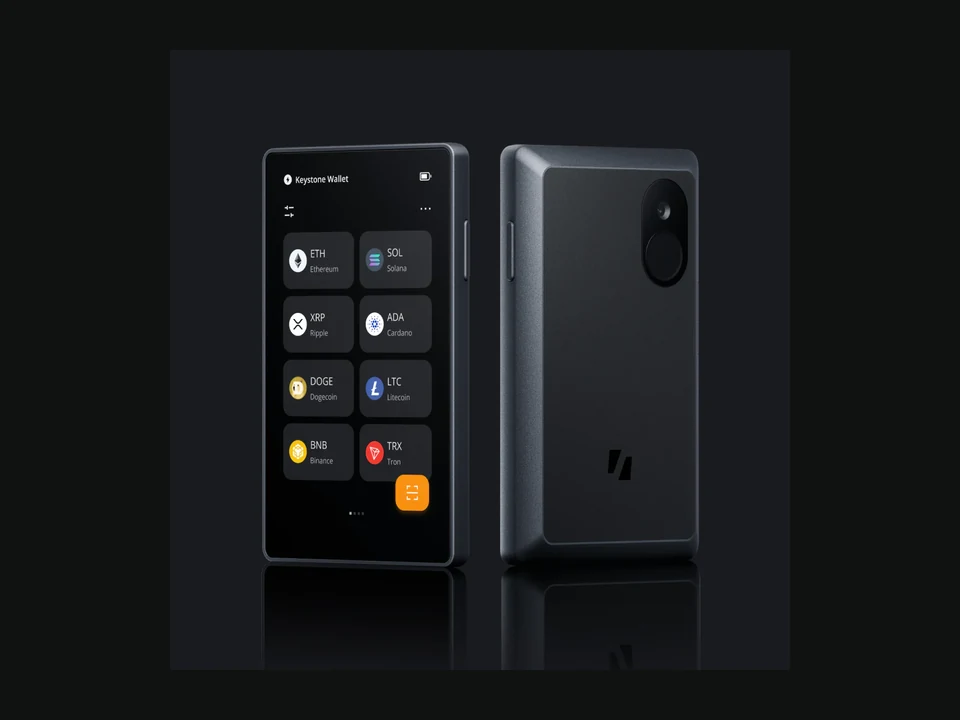
QR-based signing helps reduce reliance on USB or Bluetooth for users who prefer a clearer isolation boundary.
Best for high-security workflows
See detailsKeeps the cost lower while still giving new users a dedicated hardware device for signing.
Best for beginners
See detailsCore Reviews
We go deeper on six devices that are especially relevant for U.S. and international buyers. The full list remains in the comparison table below.
A premium choice for touchscreen review and smoother confirmations
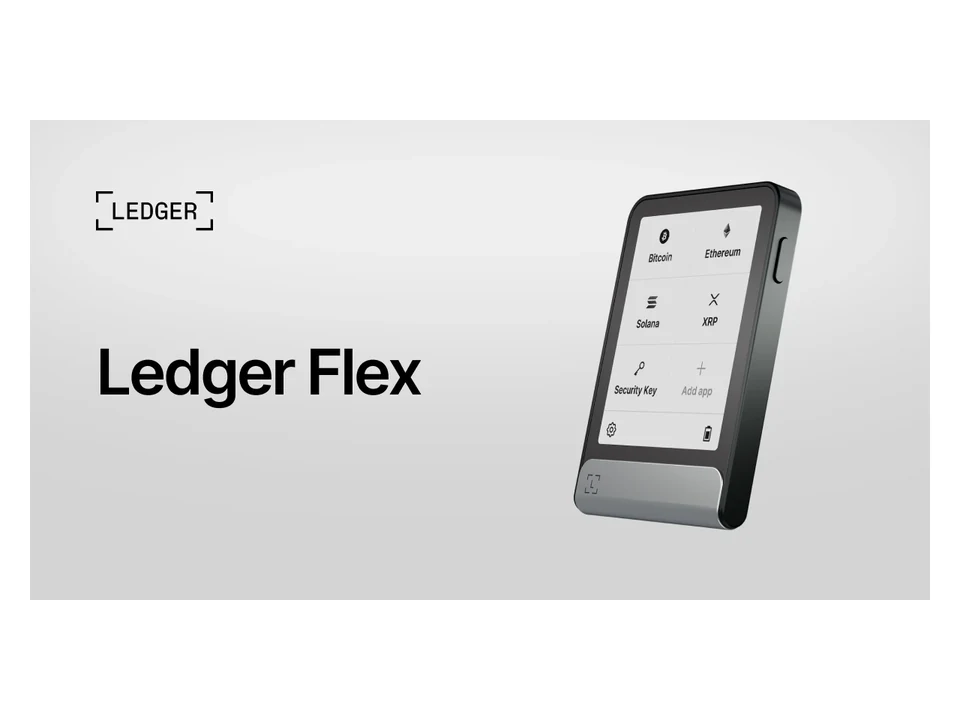
Ledger Flex focuses on a more readable, touch-based confirmation experience. For people who review multi-chain transactions often, a larger screen can make address and transaction checks easier. It is best for users willing to pay more for interface quality and ecosystem coverage.
Multi-asset users who value readable screens and clear transaction review
Reference price
Premium price tier; check official pricing
Connection
USB-C, Bluetooth, and other connection details check official site
Screen
Touchscreen; exact specifications should be checked on the official site
Open source
Open-source scope should be checked on the official site
Best for
Multi-asset users who value readable screens and clear transaction review
Overall score
8.9 / 10
For users who value transparency and auditability
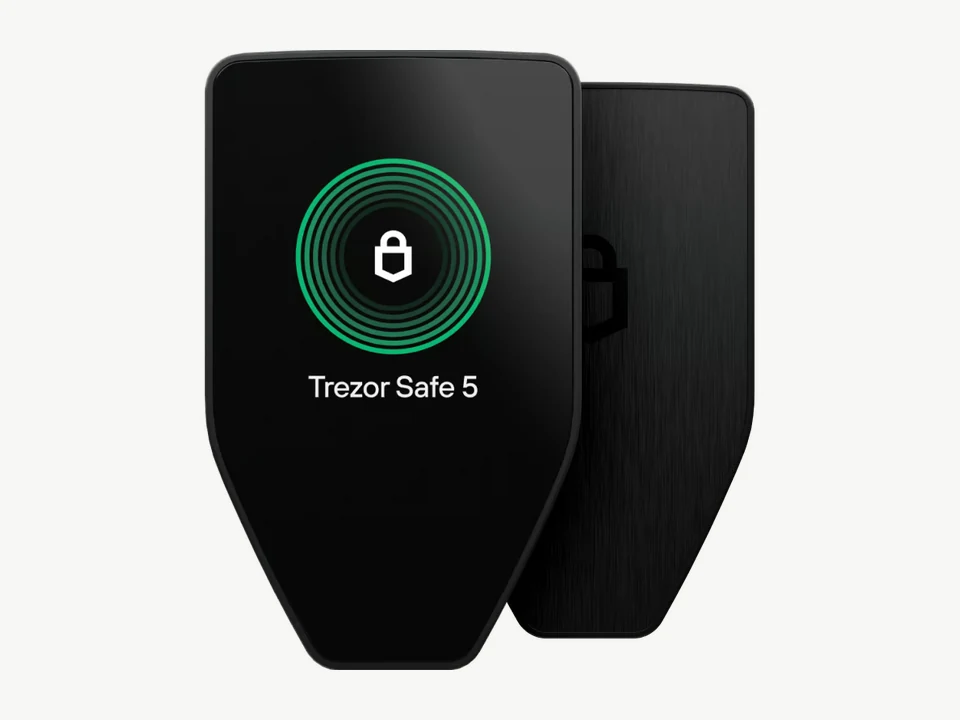
Trezor Safe 5 is a strong fit for users who put transparency near the top of their priorities. Its product philosophy emphasizes auditability, clear security logic, and long-term self-custody habits.
Users who prefer open-source tools, verifiability, and long-term self-custody
Reference price
Upper mid-range; check official pricing
Connection
USB-C and other connection details check official site
Screen
Color touchscreen; exact specifications should be checked on the official site
Open source
High transparency; exact scope should be checked on the official site and code repositories
Best for
Users who prefer open-source tools, verifiability, and long-term self-custody
Overall score
8.9 / 10
A flagship device for mobile and multi-chain workflows
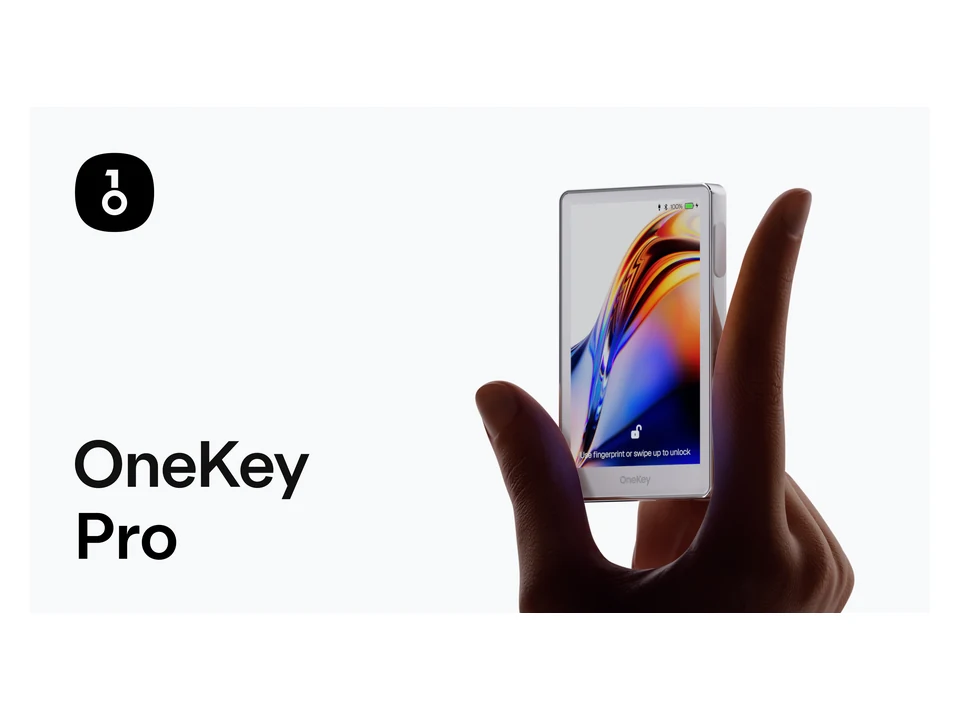
OneKey Pro is positioned closer to a full-featured mobile asset terminal. It is useful for people who want to handle more signing, review, and management tasks from a phone, especially across DeFi, multi-chain, and NFT workflows.
Users who often use a phone and manage assets across multiple chains
Reference price
Premium price tier; check official pricing
Connection
USB-C, Bluetooth, NFC, QR, and other details check official site
Screen
Color touchscreen; exact specifications should be checked on the official site
Open source
Open-source scope should be checked on the official site and code repositories
Best for
Users who often use a phone and manage assets across multiple chains
Overall score
8.8 / 10
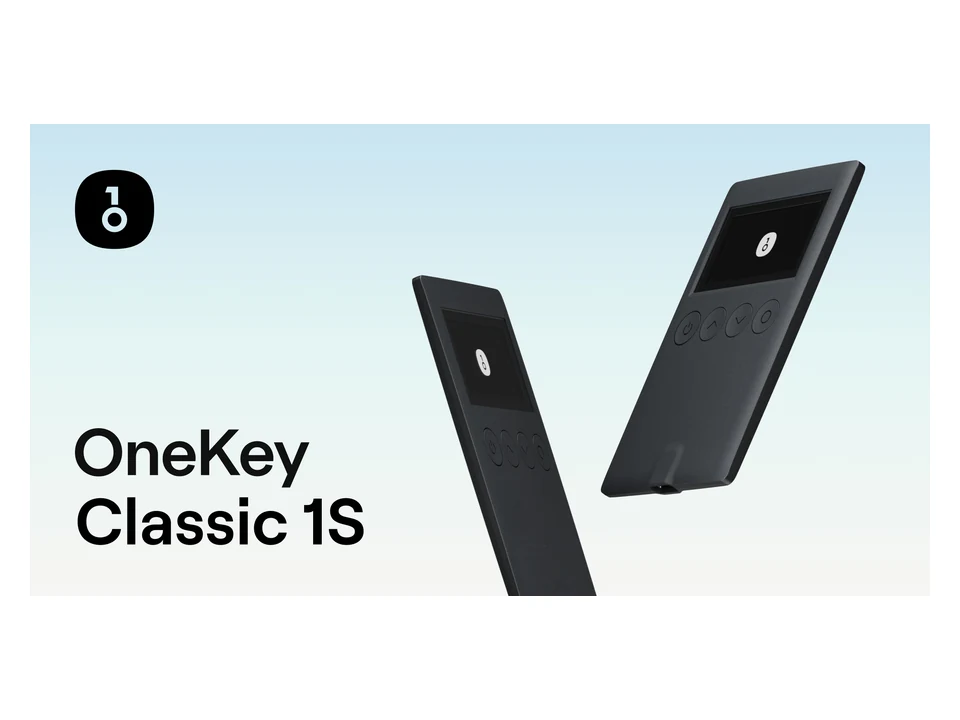
A lightweight entry-level cold wallet for beginners
OneKey Classic 1S works well as a first hardware wallet. Its strength is not a long list of advanced features, but a more approachable mix of basic security, mainstream asset management, and simple onboarding.
First-time hardware wallet buyers who want a simpler setup
Reference price
Entry-level price tier; check official pricing
Connection
USB-C, Bluetooth, and other details check official site
Screen
Built-in screen; exact specifications should be checked on the official site
Open source
Open-source scope should be checked on the official site and code repositories
Best for
First-time hardware wallet buyers who want a simpler setup
Overall score
8.8 / 10
A specialized choice for QR-based air-gapped signing
Keystone 3 Pro is compelling because of its QR-based air-gapped signing flow. It suits users who accept a few extra steps in exchange for a clearer isolation boundary, especially for long-term storage and multi-signature workflows.
Users who want to reduce reliance on wired or wireless connections
Reference price
Premium price tier; check official pricing
Connection
QR, USB, and other details check official site
Screen
Touchscreen; exact specifications should be checked on the official site
Open source
Open-source scope should be checked on the official site and code repositories
Best for
Users who want to reduce reliance on wired or wireless connections
Overall score
8.7 / 10
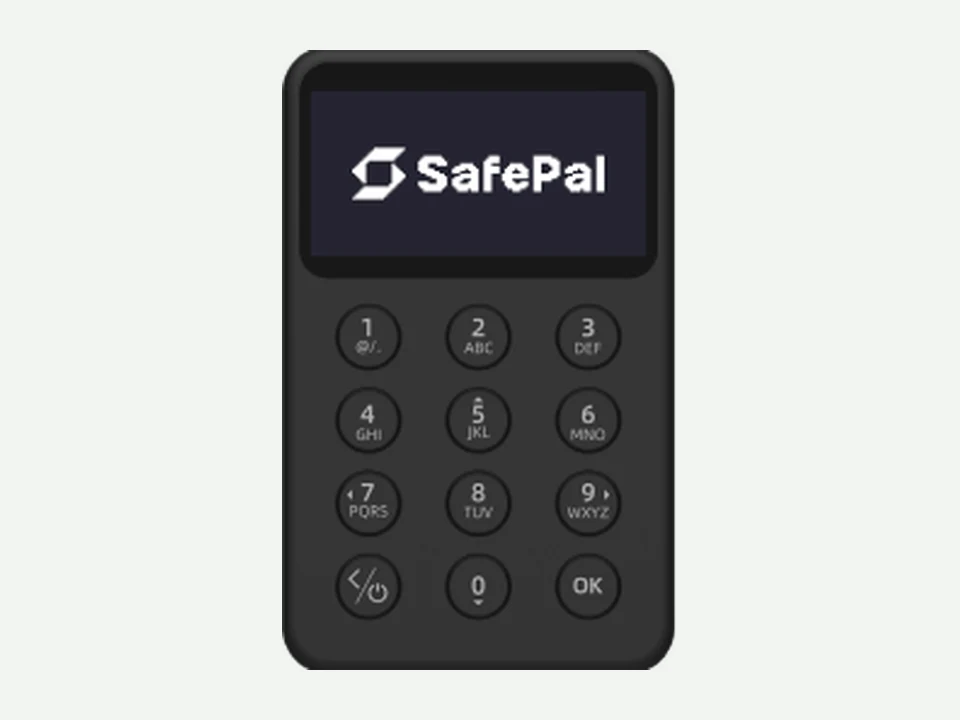
A budget-friendly Bluetooth hardware wallet
SafePal X1 stands out for its lower cost and mobile connection experience. It is a reasonable first hardware wallet for users who are moving beyond a phone-based hot wallet.
Budget-conscious users who mainly manage assets from a phone
Reference price
Budget price tier; check official pricing
Connection
Bluetooth and other connection details check official site
Screen
Built-in screen; exact specifications should be checked on the official site
Open source
Open-source scope should be checked on the official site
Best for
Budget-conscious users who mainly manage assets from a phone
Overall score
8.2 / 10
Compare
A focused table with the decision factors that matter most.
| Product | Overall score | Reference price | Connection | Open source | Mobile support | Air-gapped | Best for |
|---|---|---|---|---|---|---|---|
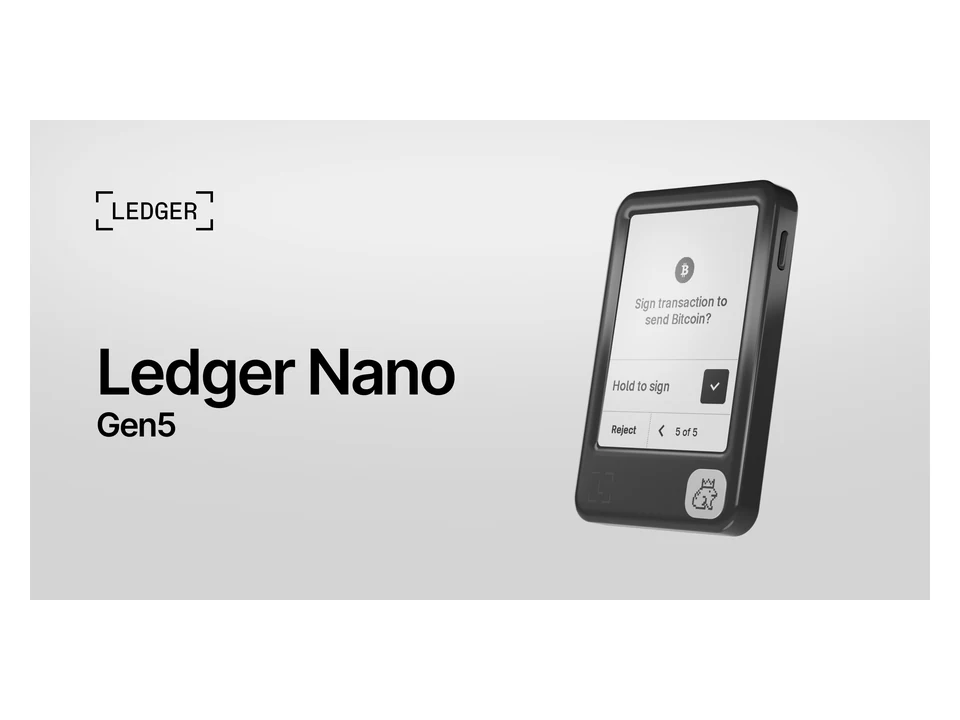
Ledger Nano Gen5 Mainstream pick | 8.7 / 10 | Mid-range; check official pricing | USB, Bluetooth, and other connection details should be checked on the official site | Firmware and app transparency should be checked on the official site | Yes, confirm scope | Not the main mode | Users who want portability, a mature brand ecosystem, and everyday asset management |
Ledger Flex TouchscreenPick | 8.9 / 10 | Premium price tier; check official pricing | USB-C, Bluetooth, and other connection details should be checked on the official site | Open-source scope should be checked on the official site | Yes, confirm scope | Not the main mode | Multi-asset users who value readable screens and clear transaction review |
Trezor Safe 5 Open sourcePick | 8.9 / 10 | Upper mid-range; check official pricing | USB-C and other connection details should be checked on the official site | High transparency; exact scope should be checked on the official site and code repositories | Yes, confirm scope | Not the main mode | Users who prefer open-source tools, verifiability, and long-term self-custody |
OneKey Pro Multi-chain flagship | 8.8 / 10 | Premium price tier; check official pricing | USB-C, Bluetooth, NFC, QR, and other details should be checked on the official site | Open-source scope should be checked on the official site and code repositories | Yes, confirm scope | Supported | Users who often use a phone and manage assets across multiple chains |
OneKey Classic 1S Beginner-friendly | 8.8 / 10 | Entry-level price tier; check official pricing | USB-C, Bluetooth, and other details should be checked on the official site | Open-source scope should be checked on the official site and code repositories | Yes, confirm scope | Not the main mode | First-time hardware wallet buyers who want a simpler setup |
Keystone 3 Pro Air-gappedPick | 8.7 / 10 | Premium price tier; check official pricing | QR, USB, and other details should be checked on the official site | Open-source scope should be checked on the official site and code repositories | Check official docs | Supported | Users who want to reduce reliance on wired or wireless connections |
SafePal S1 Pro Offline value | 8.2 / 10 | Mid-range; check official pricing | QR and other connection details should be checked on the official site | Open-source scope should be checked on the official site | Yes, confirm scope | Supported | Users who want offline signing without moving into the highest price tier |
SafePal X1 Budget pickPick | 8.2 / 10 | Budget price tier; check official pricing | Bluetooth and other connection details should be checked on the official site | Open-source scope should be checked on the official site | Yes, confirm scope | Not the main mode | Budget-conscious users who mainly manage assets from a phone |
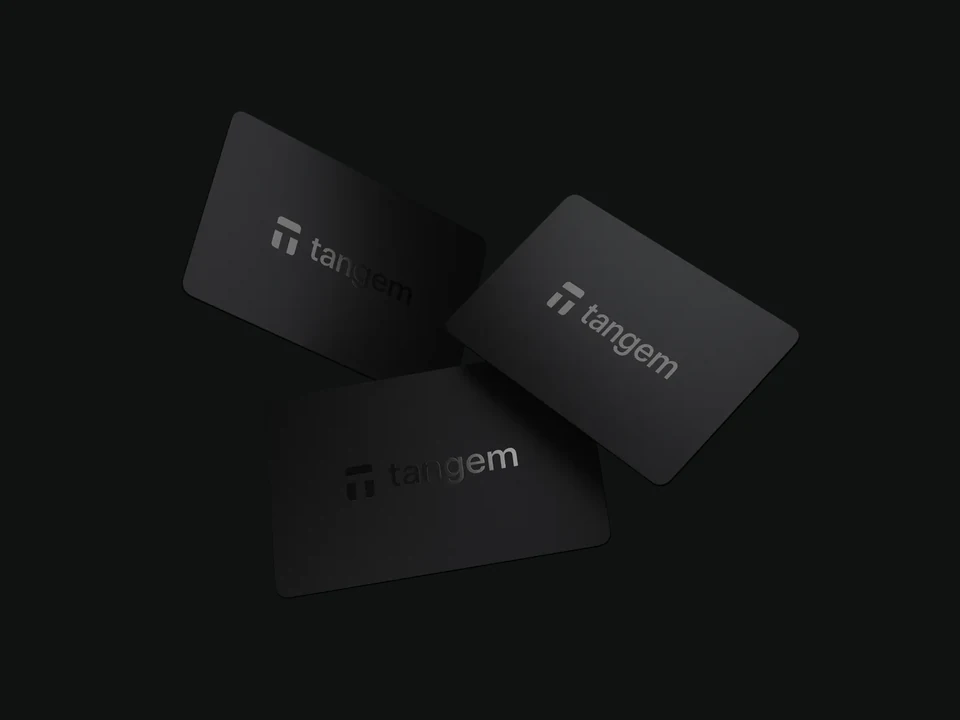
Tangem Wallet Portable | 8.1 / 10 | Entry to mid-range; check official pricing | NFC and other connection details should be checked on the official site | Open-source scope should be checked on the official site | Yes, confirm scope | Not the main mode | Users who value portability and quick mobile management |
On mobile, swipe horizontally inside the table. Prices, features, and supported assets can change, so verify details on official websites.
Find your match
Focus on
Price, setup, backup basics
Recommended pick
OneKey Classic 1S or SafePal X1
More approachable pricing and simpler workflows make them good first devices for learning backup habits.
Focus on
Mobile access, screen review, app ecosystem
Recommended pick
Ledger Flex
A strong fit for people who often review balances and confirm transactions from a phone.
Focus on
Auditability, transparency, long-term maintenance
Recommended pick
Trezor Safe 5
Best suited to users who care about how wallet software works and value public review.
Focus on
QR signing, isolation, transaction review
Recommended pick
Keystone 3 Pro
QR-based signing reduces reliance on cables and Bluetooth, which cautious holders may prefer.
Focus on
Touchscreen, multiple connections, multi-chain use
Recommended pick
OneKey Pro
A more complete device for users who want a premium interface and broader signing options.
FAQ
Before buying or setting up a wallet, make sure these basics are clear.
For long-term custody, it is usually a stronger setup because private keys stay on a dedicated device. It still depends on safe buying, backup, and transaction review habits.
The assets are recorded on the blockchain. If your recovery phrase or official backup method is stored correctly, you can usually restore access on a compatible device.
Most leading hardware wallets support USDT on common networks, but chain support varies by device and app. Always confirm the exact network before sending funds.
Keep it offline, written down, and stored separately. Do not photograph it, upload it, or type it into websites. Larger holdings may justify a durable metal backup.
Bluetooth alone is not the main issue. The key questions are whether private keys stay on the device, whether transactions are verified on-screen, and how pairing and firmware updates work.
It is not recommended. Used devices may be tampered with or include unsafe setup materials. A trustworthy initialization process is part of the security model.
Use the brand's official store or an authorized channel. After delivery, inspect packaging, firmware, and setup flow, then test with a small transfer first.
Buy only from the brand's official store or authorized channels.
Do not use a recovery phrase that comes pre-written in the package.
Never share your recovery phrase with a website, support agent, or stranger.
Check packaging, firmware, and the initialization flow after delivery.
Test with a small transfer before moving a large balance.
This page never asks you to connect a wallet or enter private key information.
This page is for product research and security education only. It is not investment, trading, tax, or financial advice. Prices, features, supported assets, and security specifications can change, so always confirm details on official brand websites.
For a smoother experience, follow these two steps.